Back to Blog
Blog
How to animate Pyro Source Spread sourcing?
Houdini Tip SimulationPyro
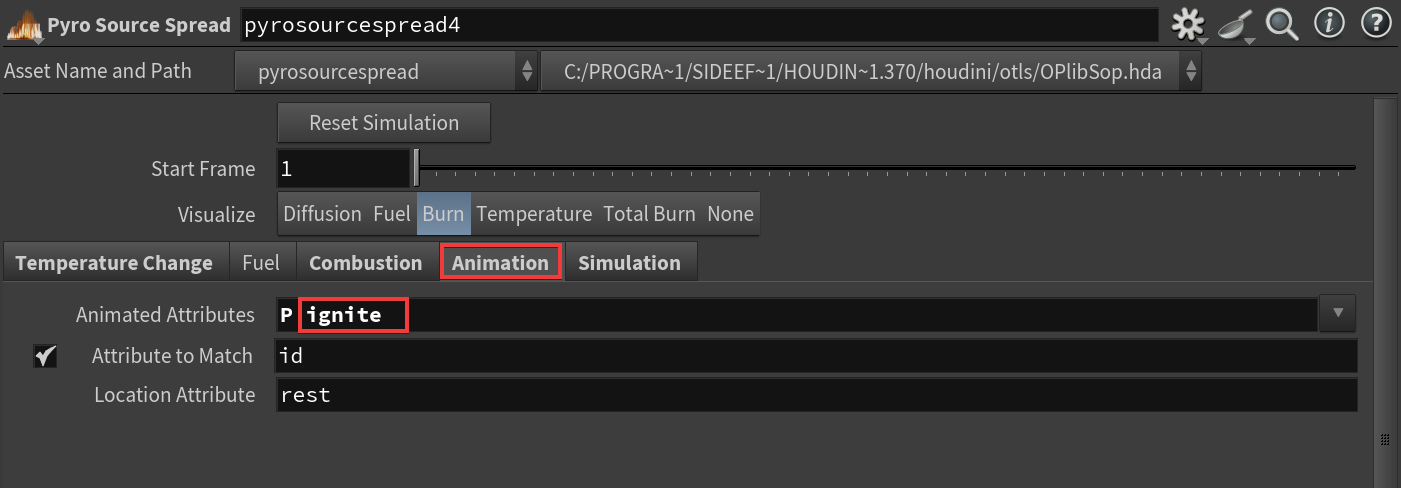
Pyro Source Spread is initiated through the Temperature attribute. However, the simulation needs to track these temperature values accurately to run correctly. You can’t simply inject this attribute into the simulation, as it would disrupt previous values. Instead, you must use the ignite attribute.
Ignite Attribute
The ignite attribute can be either a float or an integer value, depending on your preference.
After sourcing this attribute, it’s crucial to include it in the simulation, as shown below: